









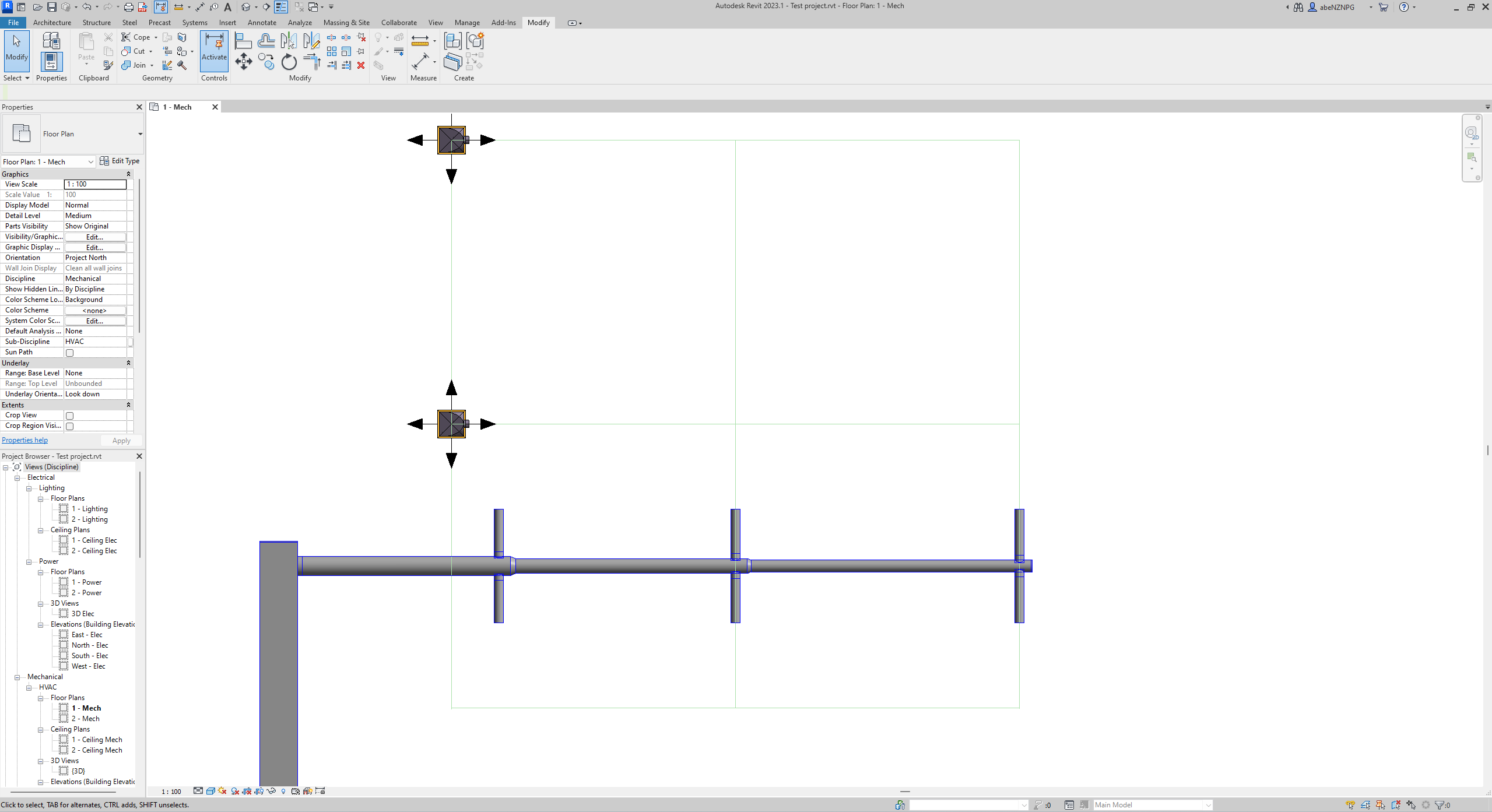
FabricAir PRO: Elevate Your HVAC Designs
FabricAir PRO is the HVAC designer’s new best friend, seamlessly integrating fabric ducting into Revit designs! This free tool empowers architects, designers, and engineers to design innovative air distribution solutions without the need for extensive software adjustments or training. This complete software solution with deep integration in Revit allows you to start designing HVAC systems in fabric faster and with fewer errors.
Expand Your Design Capabilities

Custom-created add-in for designing innovative fabric air distribution systems
Avoid errors and improve communication across the project team
Improves communication resulting in faster quotes with fewer revisions
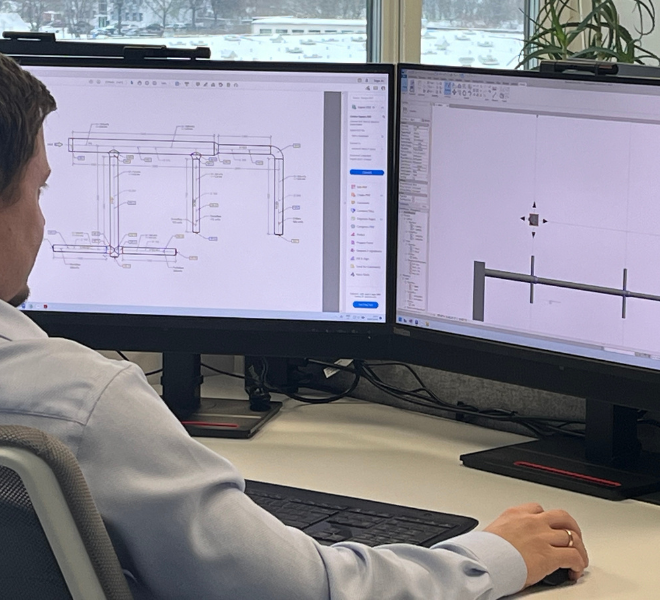
Tailored for Fabric
FabricAir PRO acts as an overlay on top of Revit functionality, by simplifying the design process and ensuring that designs align with FabricAir specifications. The tool helps prevent design mistakes and accelerate the design process by providing a user-friendly interface. It supports Round Duct Systems and Ceiling Diffusers, enabling HVAC professionals to seamlessly integrate these components into their Revit models with accurate measurements and easy-to-use tools.
FabricAir PRO integrates with FabricAir systems, leading to quicker and more accurate quotes.
- Clear communication leads to faster quotes
- Reduced errors
- Enhanced project precision and ample information in the Revit file
The FabricAir PRO Revit add-in is compatible with the following Autodesk Revit versions: 2021, 2022, 2023, 2024 and 2025.
How to Get Started

Download FabricAir PRO and install

Access FabricAir PRO in Revit

Setup FabricAir duct and diffuser families and start designing!
Need help?

Here you’ll find the best answers for all the most asked questions.
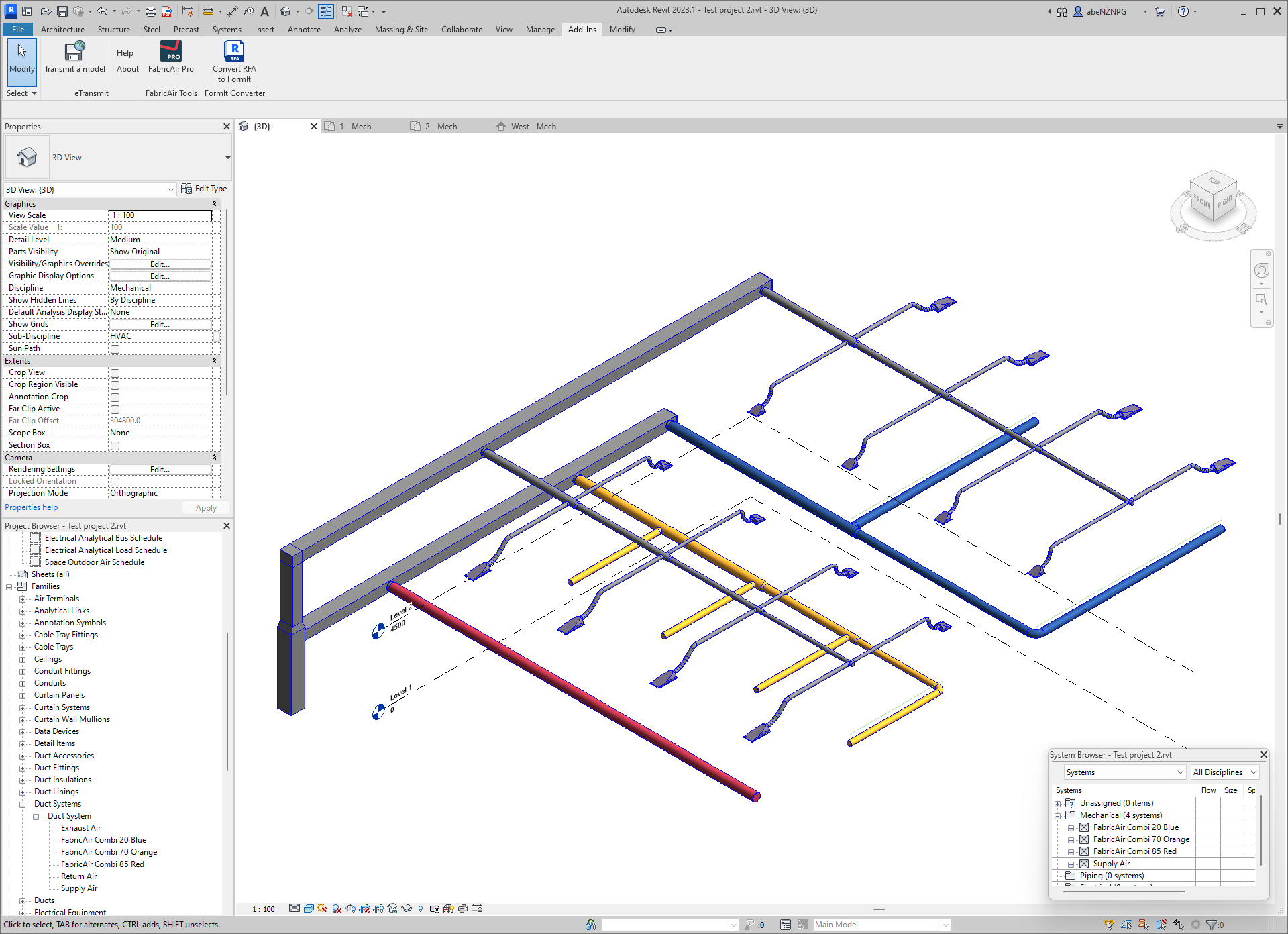
Curious to learn more? Watch a demonstration of FabricAir PRO.

Questions? We’re here to help!